File:Security set password.png


No higher resolution available.
Security_set_password.png (722 × 382 pixels, file size: 35 KB, MIME type: image/png)
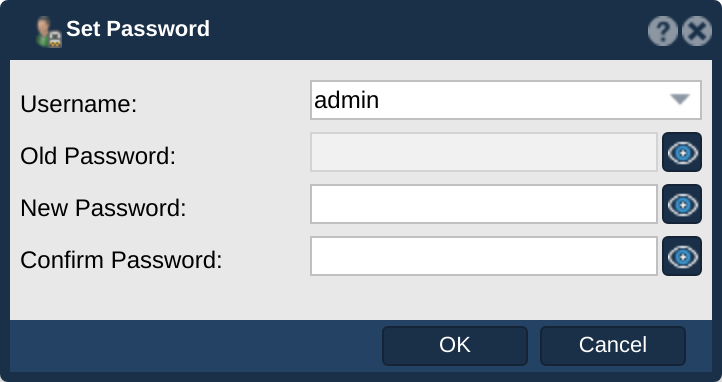
QuantaStor 6.9 Security Configuration screenshot. Captured against master build 6.9.0.264 for QSTOR-6277.
File history
Click on a date/time to view the file as it appeared at that time.
| Date/Time | Thumbnail | Dimensions | User | Comment | |
|---|---|---|---|---|---|
| current | 01:23, 3 September 2026 | | 722 × 382 (35 KB) | Qadmin (talk | contribs) | Re-capture on a neutrally-named grid (qs-grid / qs-node-11x): the previous images carried lab hostnames in dialog titles, the System Name field and the tree header (wiki-docs rule 5) |
| 22:30, 2 September 2026 | 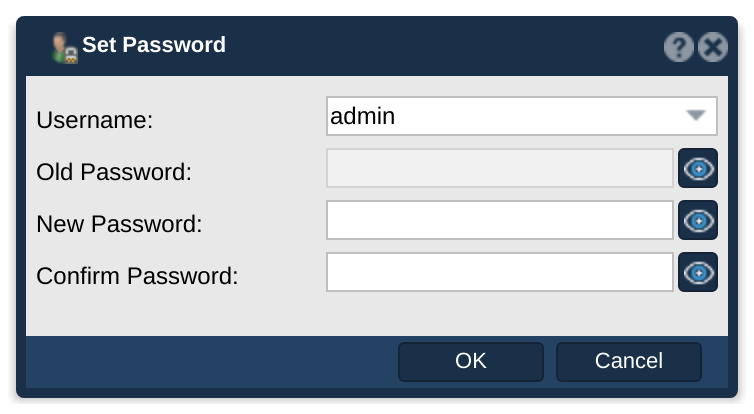 | 754 × 414 (36 KB) | Qadmin (talk | contribs) | Crop to the dialog - a full-window capture makes the dialog small and hard to read | |
| 05:14, 2 September 2026 | 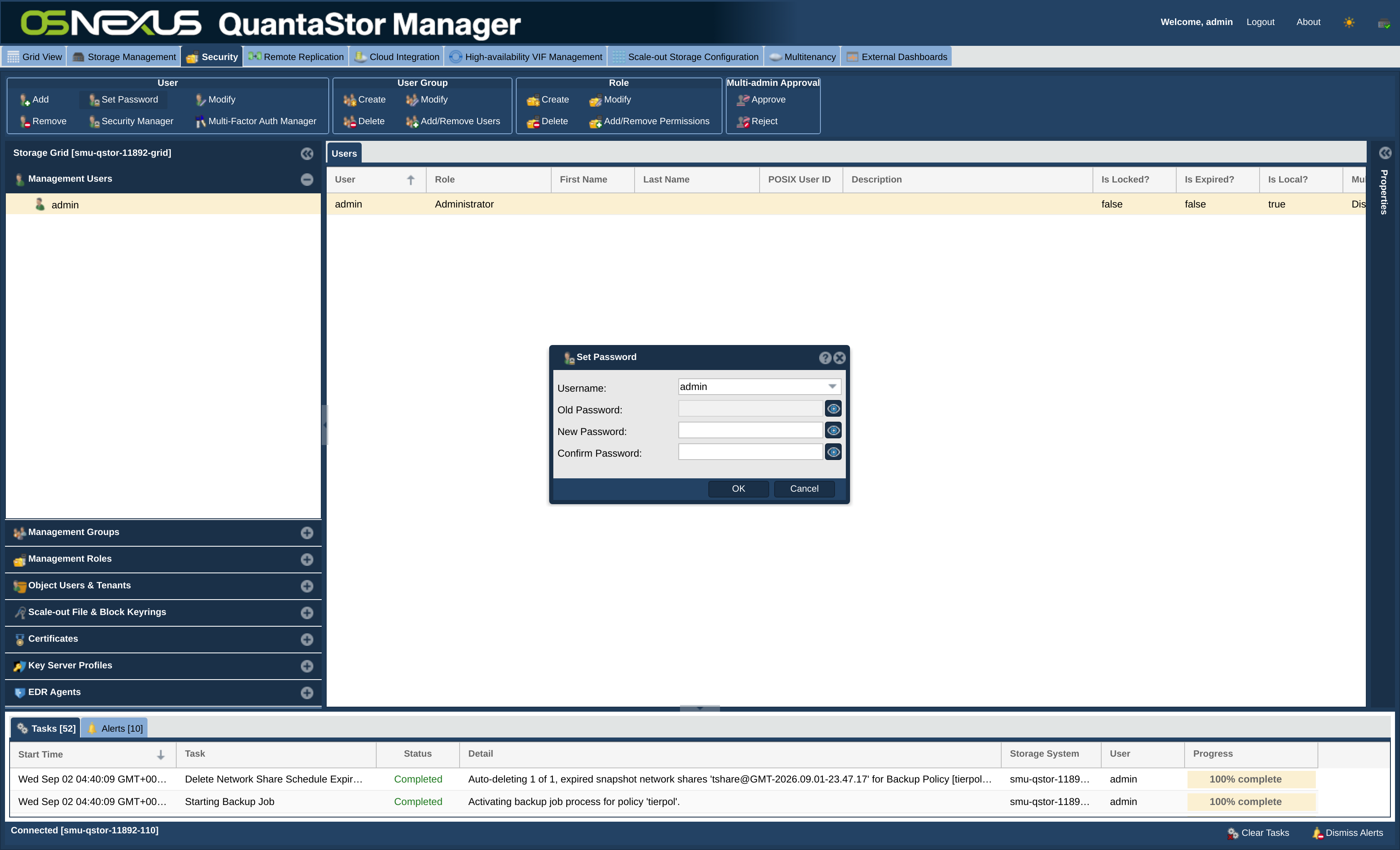 | 3,360 × 2,040 (420 KB) | Qadmin (talk | contribs) | QSTOR-6277: Security Configuration screenshots re-shot against QuantaStor 6.9 master build |
You cannot overwrite this file.
File usage
The following page uses this file:
